
iGPSGo — GPS Location Changer for iPhone and Android
- >>>> Fix Pokemon Go failed to detect location 12 error >>>>
- Simulate GPS movement naturally with custom route&speed.
- GPS joystick to control the direction of movement flexibly.
- Import / Export GPX file to save your favorite routes.
- iGPSGo runs on Windows and macOS computers and changes the GPS location of iOS and Android devices.
For your Windows or Mac computer
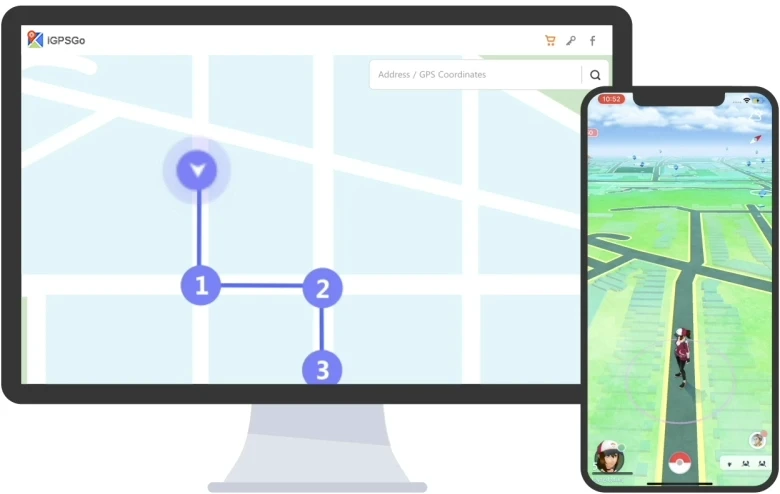
- Teleport
- Custom routes
- Joystick
iGPSGo · Plan a route and adjust the simulated movement speed.
iToolPaw iGPSGo location changer iOS/Android provides three movement modes to help you change GPS location more naturally. Single-spot, multi-spot and joystick mode. Three movement modes are very useful for Pokemon Go. You can control your movement speed at a fixed or variable speed from 3.6km/h to 100km/h.
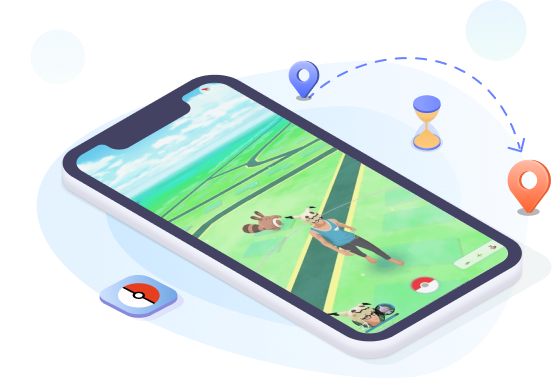
Change GPS Location on Pokémon GO iOS/Android
Select a GPS location on the map. Plan a route and adjust the simulated movement speed.
Related guides: Pokémon GO location tools
- Plan a route and adjust the simulated movement speed.
- Joystick movement demo
- iGPSGo runs on Windows and macOS computers and changes the GPS location of iOS and Android devices.
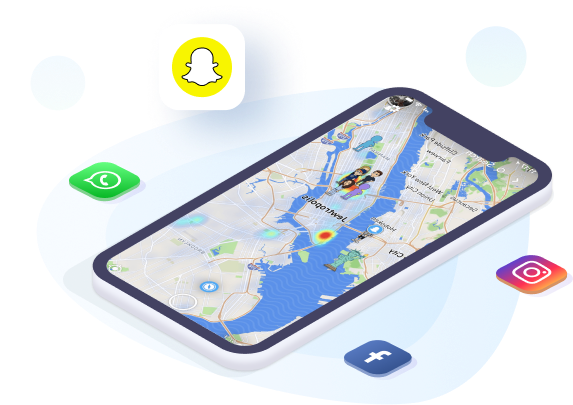
Social App GPS Location Changer iPhone/Android
- Get more matches on dating apps such as Bumble and Tinder
- Select a GPS location on the map.
- Use each app’s location-sharing settings to control who can see your location.
Freely Change Direction with GPS Joystick
Joystick movement demo. Plan a route and adjust the simulated movement speed.
Related guides: GPS joystick
- Move automatically to change Pokémon GO GPS location
- Tweak your directions freely in 360 degrees
- Use keyboard to move more smoothly
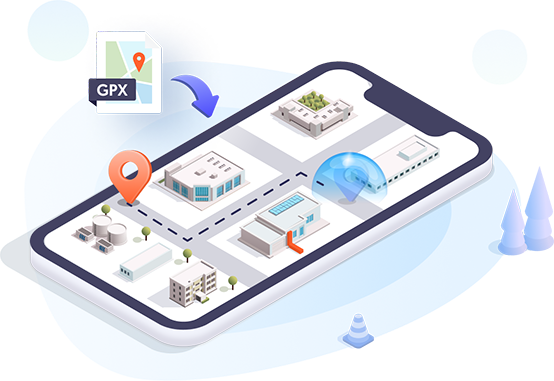
Import GPX File to Use Favorite Route
By importing GPX files of single and multiple paths, you can use your favorite walking route to plan your Pokemon Go auto walking
- Catch Pokemon with favorite walking routes
- Export your favorite walking routes for next time use
- Teleport to specific areas quickly in Pokemon GO
What Makes iToolPaw iGPSGo Best iOS Location Changer
Related guides: Monster Hunter Now · ingress prime · Orna rpg · Mobile Legends
Cooldown Timer
The cooldown timer is a time reference, not a guarantee against account restrictions.
Joystick Movement
Use GPS joystick to control movement direction more flexibly.
Zoom Map In/Out
Enlarge the map to better plan the route. Just click the zoom icon in the lower-right corner of the map.
Adjustable Moving Speed
Plan a route and adjust the simulated movement speed.
Import/Export GPX File
You are free to import and export the GPX file to use the favorite routes.
Multi-device Control
iGPSGo runs on Windows and macOS computers and changes the GPS location of iOS and Android devices.
iGPSGo iOS Location Changer User Reviews
iGPSGo FAQs
Is iGPSGo location changer safe?
Changing GPS data does not guarantee acceptance by other apps or protection from account restrictions. Encryption is not evidence that location changes cannot be detected.
Compatibility
iGPSGo runs on Windows and macOS computers and changes the GPS location of iOS and Android devices.
Why use iGPSGo desktop tool instead of an iPhone app?
iGPSGo runs on Windows and macOS computers to change locations on iOS and Android devices and plan routes. Install iGPSGo on a Windows or macOS computer; iOS and Android are the devices whose location you change. Choose the installer for your computer and see the current plan page for plan details.
How to recover real GPS location after using iGPSGo location changer?
Stop the simulation and use the location reset control described in the guide. If the location has not returned, close the affected app, check Location Services and restart the phone before checking again.
What is the difference between Two-spot Mode and Multi-spot Mode?
Two-spot mode simulates movement between a start and an end point. Multi-spot mode lets you arrange several points into a route. Available route and speed options depend on the current app version.