
Pokémon GO Spoofer for iPhone and Android
- Select a GPS location on the map.
- Install iGPSGo on a Windows or macOS computer; iOS and Android are the devices whose location you change. Choose the installer for your computer and see the current plan page for plan details.
- Simulate GPS movement naturally with custom route&speed.
- Import / Export GPX file to save your favorite routes.
- iGPSGo runs on Windows and macOS computers and changes the GPS location of iOS and Android devices.
For your Windows or Mac computer
Plan your route. Explore at your pace.
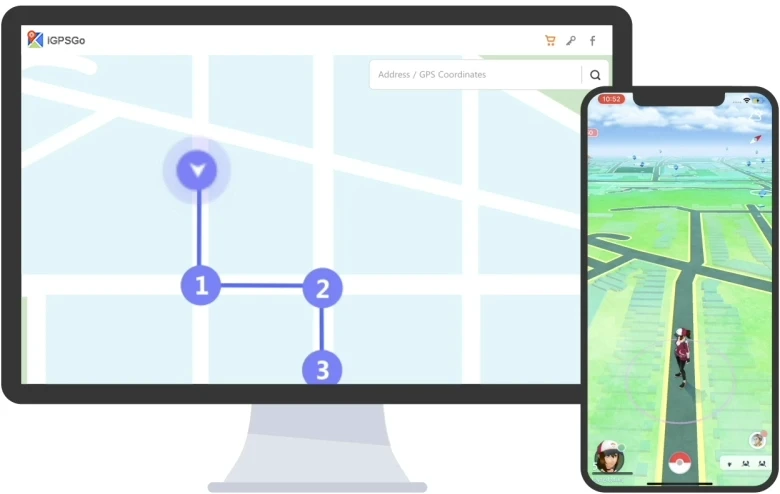
- Teleport
- Routes
- Joystick
iGPSGo · Plan a route and adjust the simulated movement speed.
iGPSGo Pokémon GO GPS spoofer provides three movement modes to help you walk in Pokémon GO more naturally. Single-spot, multi-spot and joystick mode. Select the mode type according to your needs. Simulate walking, cycling or driving at a fixed or variable speed from 3.6km/h to 100km/h. You can pause and resume your movement at any time.
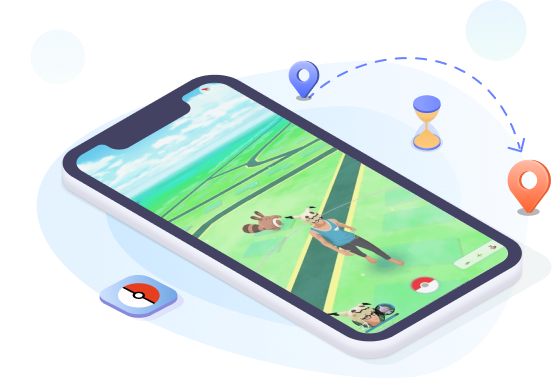
Pokémon GO · Select a GPS location on the map.
Select a GPS location on the map. Plan a route and adjust the simulated movement speed.
Other GPS uses
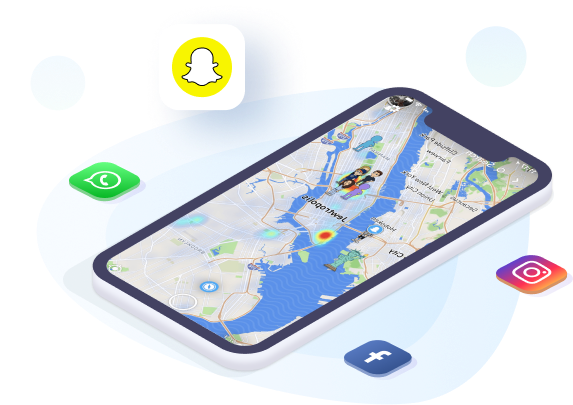
- Get more matches on dating apps such as Bumble and Tinder
- Select a GPS location on the map.
- Use each app’s location-sharing settings to control who can see your location.
Pokémon GO · Joystick movement demo
Joystick movement demo. Plan a route and adjust the simulated movement speed.
Related guides: Pokémon GPS joystick
- Move automatically to hack Pokémon GO GPS location
- Tweak your directions freely in 360 degrees
- Use keyboard to control movement directions
Import GPX File to Use Favorite Pokémon GO Walking Route
By importing Pokémon GO GPX files of single and multiple paths, you can use your favorite Pokémon GO walking route to win rewards in one click.
- Catch Pokémon with favorite Pokémon GO walking routes
- Export your favorite Pokémon GO auto walking routes
- Hack Pokémon GO in specific areas with lots of Pokémon
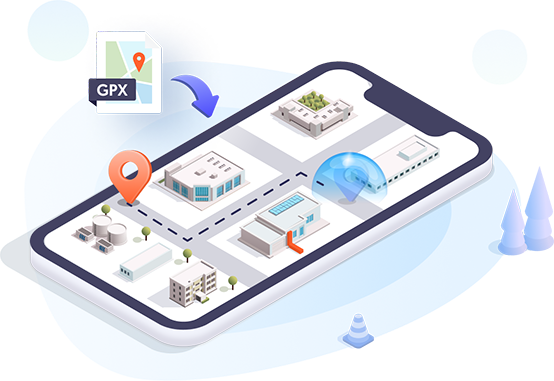
iGPSGo · Pokémon GO
Related guides: Ingress Prime · Orna · Mobile Legends
Cooldown Timer
The cooldown timer is a time reference, not a guarantee against account restrictions.
Joystick Movement
Use GPS joystick to use Pokémon GO walking hack more naturally.
Zoom Map In/Out
Enlarge the map to better plan the Pokémon GO walking route.
Adjustable Moving Speed
Plan a route and adjust the simulated movement speed.
Import/Export GPX File
You are free to import and export the GPX file to start the routes that you collect from the Pokémon GO Discord community.
Multi-device Control
iGPSGo runs on Windows and macOS computers and changes the GPS location of iOS and Android devices.
iGPSGo Pokemon Go Spoofer User Reviews
iGPSGo Pokemon Go Spoofer FAQs
Can you spoof Pokémon Go GPS without getting banned?
Changing GPS data does not guarantee acceptance by other apps or protection from account restrictions. Encryption is not evidence that location changes cannot be detected.
Compatibility
iGPSGo runs on Windows and macOS computers and changes the GPS location of iOS and Android devices.
Can you use VPN to spoof Pokemon Go GPS location on iPhone/Android?
A VPN changes the network connection and visible IP address; that alone does not change the phone’s GPS coordinates. Check any separate location feature and its device requirements independently.
Which iGPSGo installer should I use?
Install iGPSGo on a Windows or macOS computer; iOS and Android are the devices whose location you change. Choose the installer for your computer and see the current plan page for plan details.
Does Pokémon GO allow GPS spoofing?
Pokémon GO’s player guidelines prohibit falsifying location and using unauthorized software. Violations can lead to account restrictions or termination. This describes the game’s rules, not a legal determination.
Pokémon GO
What is spoofing in Pokemon Go?
GPS spoofing means supplying a different location from the device’s real position. Whether a game accepts it and what account restrictions apply are separate questions.